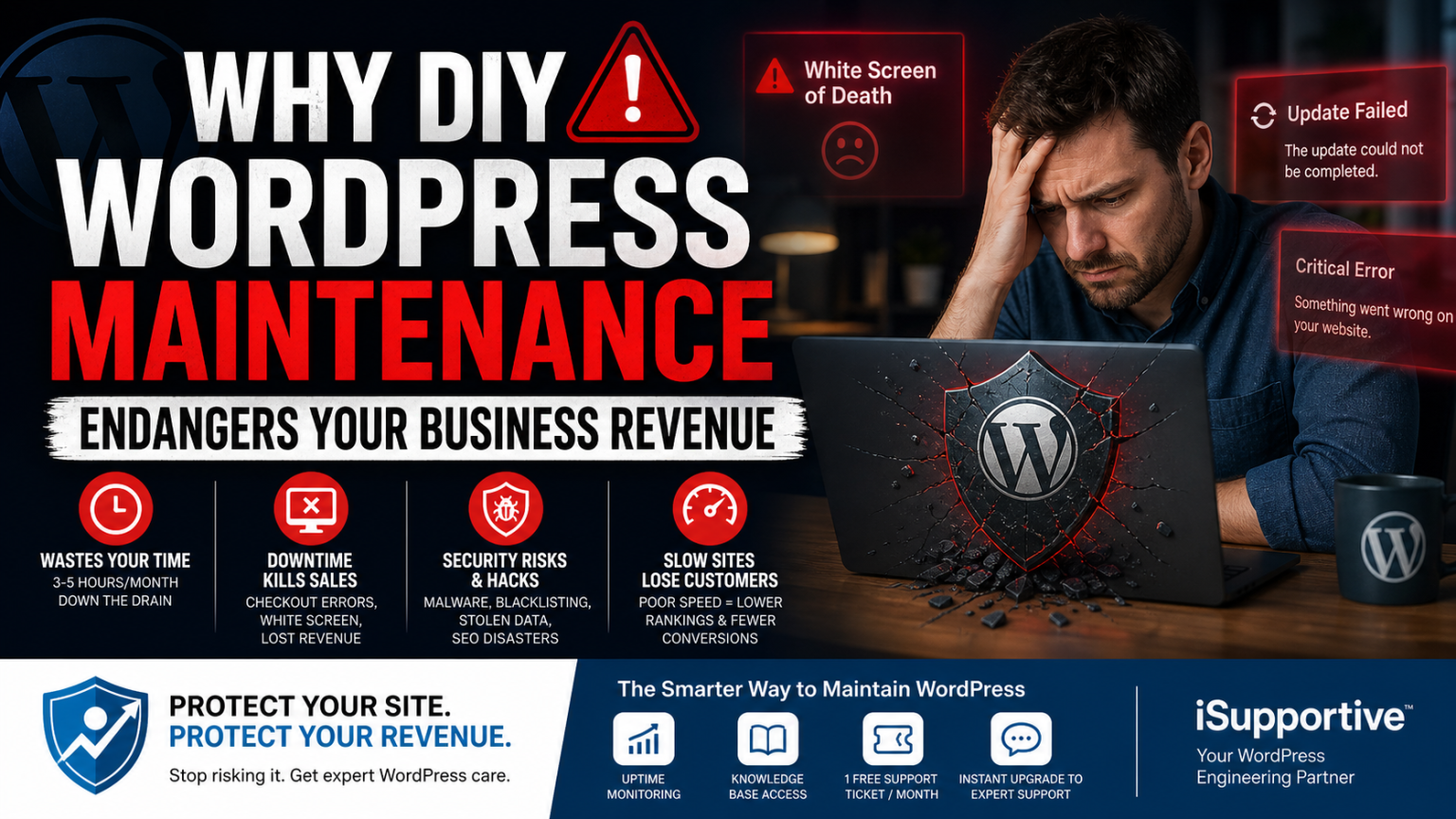
Table of Contents
- Your Website Is Not “Done” After Launch
- The Illusion of “Free” Maintenance
- The “Oops” Factor: When One Click Breaks Everything
- Security Risks: The Silent Business Killer
- The Hidden Costs of a Compromised Website
- Performance Decay: The Revenue Leak You Don’t See
- Why Speed Matters More Than You Think
- Myth vs Reality
- What Real WordPress Maintenance Looks Like
- The Smarter Approach: A WordPress Engineering Partner
- Start With Zero Risk
- Final Thought: What Is Your Website Really Worth
- Get Started (Free)
Your Website Is Not “Done” After Launch
Most founders fall into the same trap.
You launch a beautiful WordPress website. It looks great. It works. You get your first leads or sales.
And then… you move on.
Maintenance becomes an afterthought — something you’ll “handle later” or just click Update once in a while.
That assumption is where the real risk begins.
Because WordPress maintenance is not a technical chore.
👉 It is revenue protection.
Your website is not a brochure. It’s a live system — handling traffic, customer data, transactions, and conversions 24/7.
And like any system tied to revenue, it needs to be managed properly.
The Illusion of “Free” Maintenance
The biggest misconception about DIY WordPress maintenance is simple:
“I’ll just do it myself and save money.”
But you’re not saving money.
You’re spending time — your most valuable resource.
What DIY Maintenance Actually Includes
Proper maintenance is not just clicking update. It involves:
- Full website backups (files + database)
- Testing updates before applying them
- Checking critical flows (forms, checkout, login)
- Fixing plugin conflicts
- Monitoring uptime and performance
- Troubleshooting unexpected issues
In reality, most business owners spend:
👉 3 to 5 hours per month doing this
The Real Cost of Your Time
If your time is worth:
- $50/hour → $250/month
- $100/hour → $500/month
- $150/hour → $750/month
👉 You’re already “paying” for maintenance.
Just not in cash — in lost focus, slower execution, and opportunity cost.
The “Oops” Factor: When One Click Breaks Everything
Every WordPress professional has seen this happen.
You update a plugin…
And suddenly:
- The website shows a white screen
- The admin panel becomes inaccessible
- The checkout stops working
- The design breaks
- Payments fail silently
This is not rare.
👉 This is normal in unmanaged environments.
Why This Happens
WordPress is a plugin ecosystem, not a controlled software stack.
That means:
- Plugins are built by different developers
- Updates are not always tested together
- Conflicts are inevitable
The Real Cost of Downtime
If you’re running:
- A lead generation site → lost leads
- A service business → missed bookings
- An e-commerce store → lost orders
Even 2–3 hours of downtime can cost hundreds (or thousands).
Emergency Fix Reality
Typical emergency developer rates:
- $100 – $250/hour
- Urgent fixes often take 2–5 hours
👉 One mistake can cost more than a full year of maintenance.
Security Risks: The Silent Business Killer
If downtime is visible damage, security issues are silent damage.
And they’re far more dangerous.
The #1 Cause of WordPress Hacks
👉 Outdated plugins.
Not weak passwords.
Not hosting.
Outdated plugins.
What Happens After a Hack
A hacked site can lead to:
- Google blacklisting your website
- SEO rankings collapsing overnight
- Customer data being exposed
- Spam injected into your pages
- Backdoors that reinfect your site
👉 And the worst part: you often don’t notice immediately.
The Hidden Costs of a Compromised Website
When a site gets hacked, the cost is not just “fixing it.”
It includes:
- Malware cleanup
- Restoring backups
- Investigating the root cause
- Resetting all credentials
- Rebuilding trust with customers
- Recovering SEO rankings
👉 Even a “simple” cleanup can cost hundreds.
👉 A serious compromise? Thousands in lost revenue.
Performance Decay: The Revenue Leak You Don’t See
Not all problems are dramatic.
Some are slow… and much more expensive over time.
What Happens Over Time
Without proper maintenance:
- Database becomes bloated
- Old data accumulates
- Plugins add unnecessary scripts
- External requests slow everything down
- Hosting resources get strained
👉 Your site becomes slower… gradually.
Why Speed Matters More Than You Think
Speed is not a technical metric.
👉 It’s a business metric.
Even small delays impact:
- Conversion rates
- User experience
- SEO rankings
- Ad performance
Real-World Impact
- A 1-second delay reduces conversions
- Slow websites increase bounce rates
- Users abandon slow-loading sites
👉 Google also uses speed (Core Web Vitals) in rankings.
👉 A slow site doesn’t just convert less — it gets less traffic.
Myth vs Reality
Myth #1: Maintenance = Clicking Update
Reality: Maintenance includes backups, testing, monitoring, and recovery.
Myth #2: Auto-updates will handle everything
Reality: Auto-updates don’t test your site.
Myth #3: A security plugin is enough
Reality: Security is ongoing.
Myth #4: If the site works, it’s fine
Reality: Slow sites quietly lose revenue.
Myth #5: DIY is cheaper
Reality: DIY often costs more long-term.
What Real WordPress Maintenance Looks Like
Professional maintenance is not reactive.
👉 It’s proactive.
A Proper Maintenance System Includes:
- Staging-tested updates
- Automated offsite backups
- Visual and functional testing
- Real-time uptime monitoring
- Security hardening
- Performance optimization
- Fast recovery systems
👉 This is not a side task. It’s a system.
The Smarter Approach: A WordPress Engineering Partner
Growing businesses stop doing maintenance themselves.
They treat it like:
- Finance
- Legal
- Infrastructure
👉 Something handled by experts.
That’s exactly how we designed iSupportive.com.
👉 Not as support.
👉 But as a Fractional CTO for WordPress websites.
A Different Way to Handle WordPress Maintenance
Instead of:
- Logging into dashboards
- Clicking updates
- Hoping nothing breaks
You get:
- 24/7 monitoring
- Real-time visibility
- Direct access to expert engineers
👉 And you stop being the bottleneck.
Start With Zero Risk
We built a free WordPress dashboard plugin that gives you:
- Uptime monitoring
- Performance charts
- Knowledge base access
- 2 free support ticket per month (24h response)
👉 No contracts. No commitment.
Final Thought: What Is Your Website Really Worth
If your website:
- Generates leads
- Drives revenue
- Represents your brand
👉 Maintenance is not optional.
👉 It’s protection.
Get Started (Free)
Install the iSupportive dashboard plugin and:
- See your real uptime
- Identify risks
- Use your free support ticket
👉 Stop gambling with your revenue.